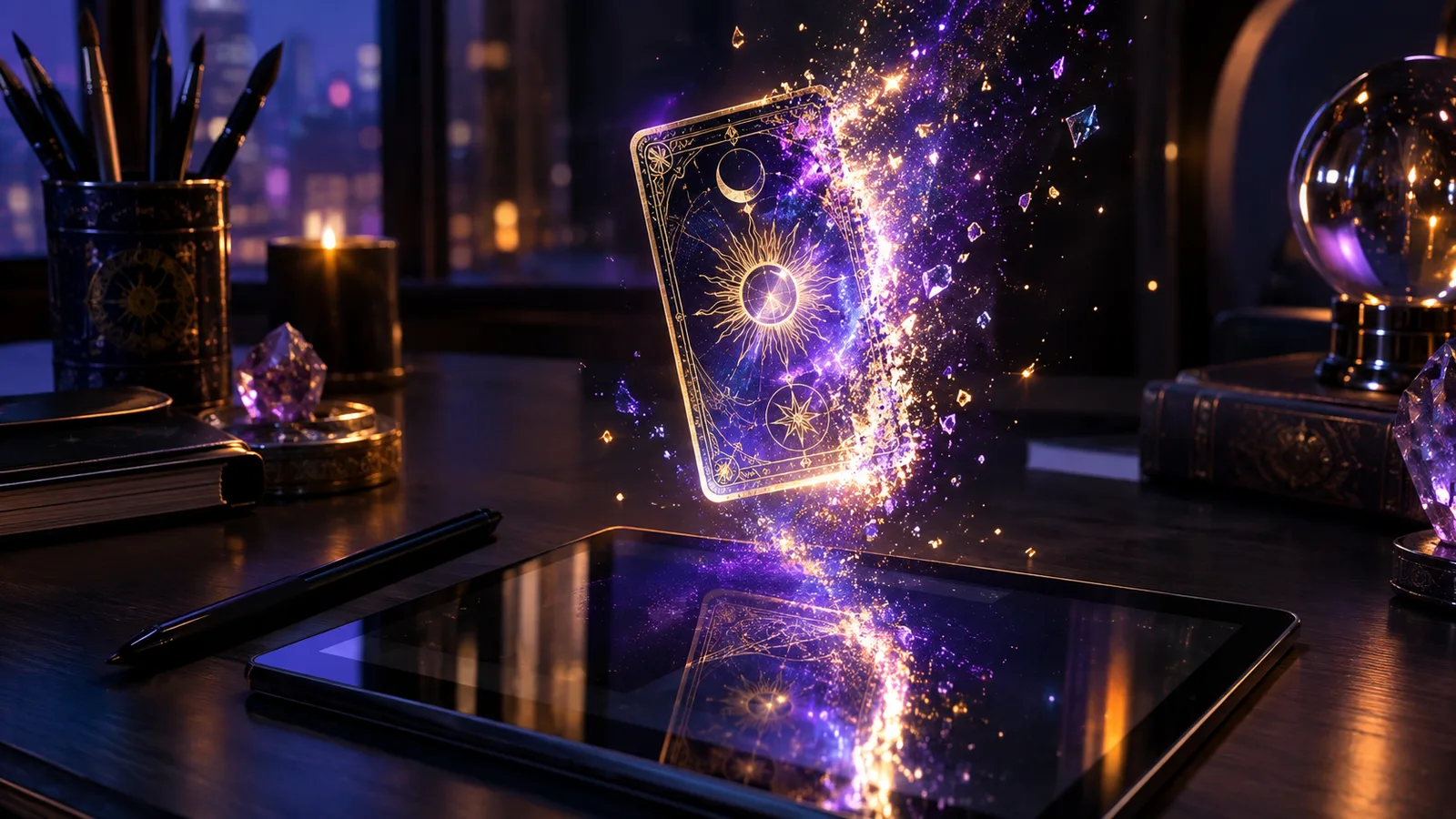
Pick one of eight major arcana cards and one of four visual styles. The generator sends a fixed, carefully written prompt to GPT Image 2, then returns a 1K illustration. Each result is unique, but the composition stays card-shaped: a centered symbol, an ornate border, and no text.
What you can make with the result
Use the image as a phone wallpaper, a Halloween party invitation, a printable card, a character portrait for a story, or a reference for a costume. The generator is for personal, non-commercial use. If you want to sell the art, use your own model and your own license.
Why the prompts are fixed
Fixed prompts keep the output safe, consistent, and affordable. You choose the card and the style; the prompt handles the composition, lighting, and negative instructions. That is why the generator can stay free: no arbitrary text, no surprise content, and a hard daily limit.
Create your own tarot card
Choose a card and a style. The prompt is fixed, so the result stays safe and card-shaped.
Most AI tarot card generators give you a text box and hope. This one gives you a card and a style. That constraint is deliberate: a tarot card needs a centered composition, a readable silhouette, and a frame. A free-form prompt usually produces a poster, a character portrait, or something with garbled text. The presets are built to avoid those failure modes.
The model is GPT Image 2 through Kie. It returns a 1K image in roughly 30 to 60 seconds. The result is a finished illustration, not a template. You can generate the same card and style twice and get two different images, which is useful for a series but means you should download the one you like before generating again.
The image is yours to use for personal projects. That includes printing a card for a party, using it as a wallpaper, or adding it to a journal page. It does not include reselling the image, training a model on it, or claiming it as a human-made artwork. Keep the use personal and credit the tool when you share it.
If the generator is busy or you have used your daily previews, the rest of the page still works: the card meanings, the costume ideas, and the prompts are all free. The generator is a bonus, not the only reason to be here.
Before and After the Reveal
Choose the card that matches the question you are sitting with, not the card that looks best. The image is more useful when the symbol has a job.
Generate one image and sit with it before generating another. Notice which detail you keep looking at. That detail is often the part of the card you needed to see.
Download the image and name the file after the card and the date. A folder of seasonal cards becomes a visual journal you can return to next October.
Keep the Reading Grounded
Tarot Reveal keeps the experience lightweight: no account wall, no private birth data form, and no claim that a card replaces professional advice. Treat the reading as a reflective prompt, then bring your own judgment to anything important.
If you compare multiple pages, use the one that matches your intent instead of starting from the broadest keyword every time. A daily card, a random card, a three-card spread, and a card meaning guide each answer a different kind of question.
Keep brief notes if a reading feels useful, then return later and compare it with what actually changed in context.
Related Halloween tarot guides
FAQ
Is the AI tarot card generator free?
Yes, with a small daily limit per visitor. The limit keeps the model cost predictable and prevents automated abuse. No account or payment details are required.
How long does a card take to generate?
Usually 30 to 60 seconds. The page polls the model and shows the result as soon as it is ready. If the model is busy, it may take a little longer.
Can I download and share the image?
Yes, for personal use. Download the image, share it on social media, or print it for a party. Do not resell it or claim it as human-made artwork.
Can I animate the card?
Yes. After the image is generated, use the Animate link to open the animated tarot card page with your image. The video feature has its own daily limit.
Does the generator use my photo?
No. The image generator uses a card and a style only. It does not ask for a photo, a face, or personal data. The video feature uses the generated card image, not a photo of you.